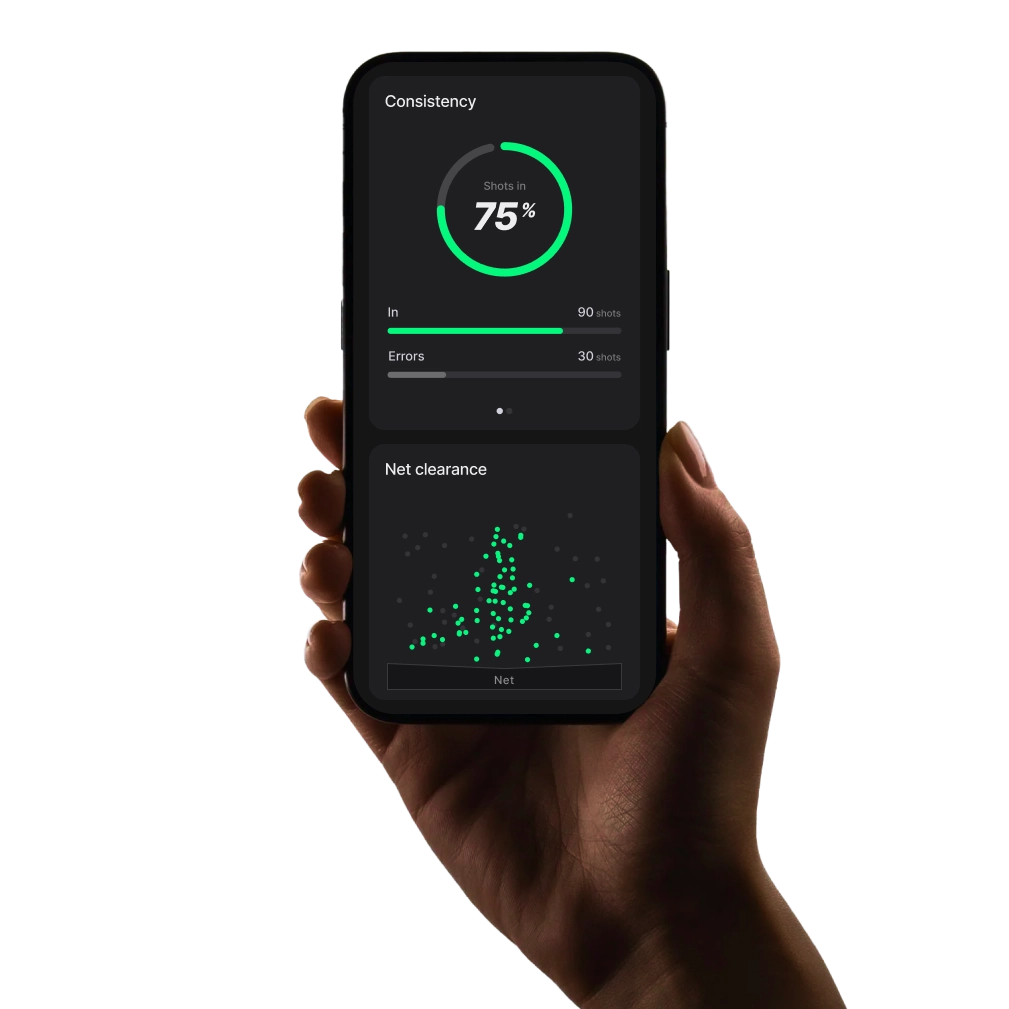
Instructions for
PlayReplay
PlayReplay provides real-time line-calling, interactive drills, and match statistics. Below is a step-by-step guide on how to use the system.
Line-calling
Line-Calling
PlayReplay offers multiple line-calling modes. The most common in competition is Challenge Mode, where players make calls, and opponents can challenge disputed ones.
To question a call, press the Challenge button. The system will indicate the shot's placement, trajectory, and whether it was IN or OUT.

Line-calling examples
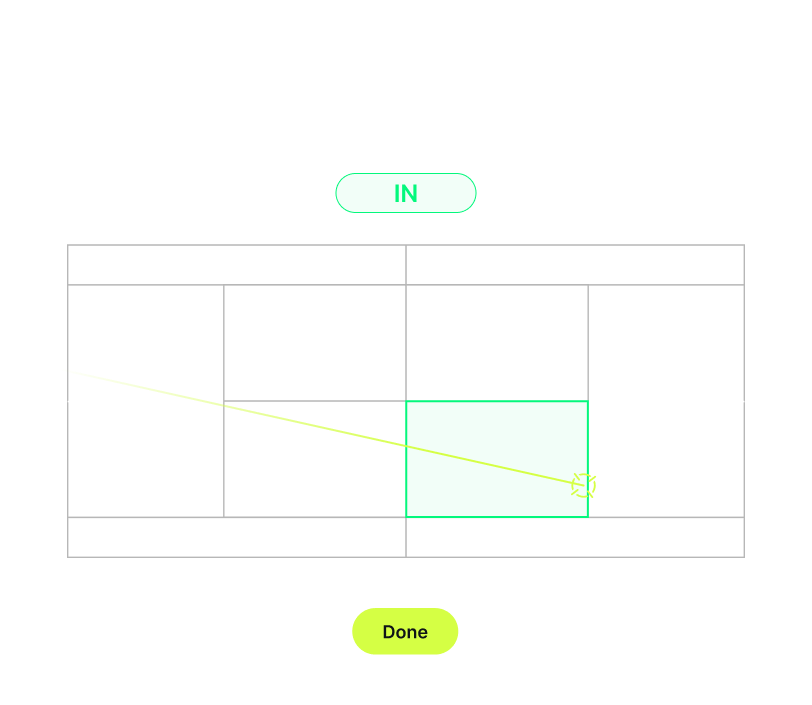
This call was in
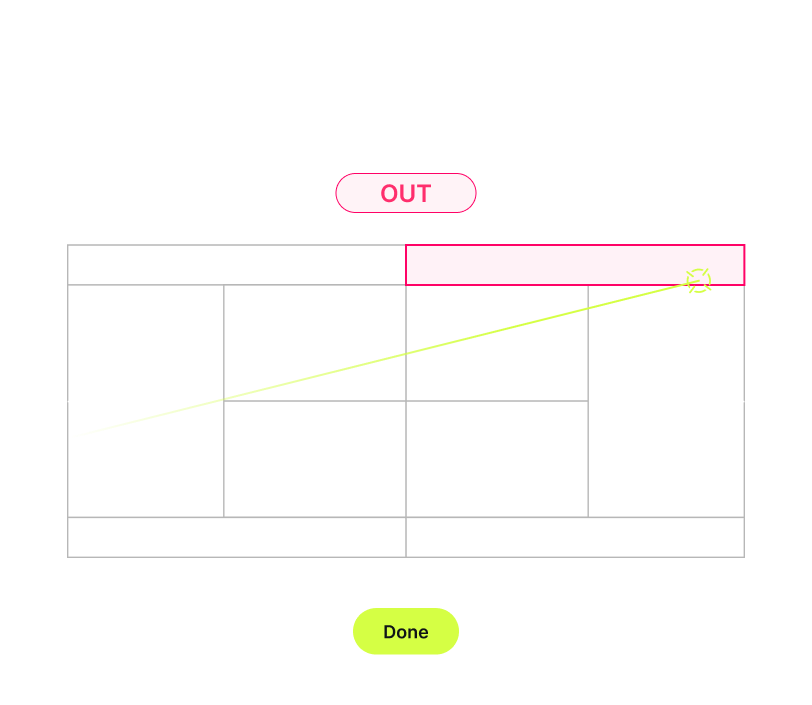
This call was out
Line-calling
Navigation
Use the arrows at the bottom of the screen to navigate through previous shots.

Zone exercise
Zone Exercises help you target specific areas on the court with real-time feedback and personalized performance stats to maximize your results.
Step 1
Mark Your
Target Zones
Single-player session
If you're a trainer working with a single player, select the zones your student should aim for. Shots hit from your side will not be included in the statistics.
Two-player session
If zones are marked on both sides of the court, the system assumes two players are practicing. Data will be collected from both sides.
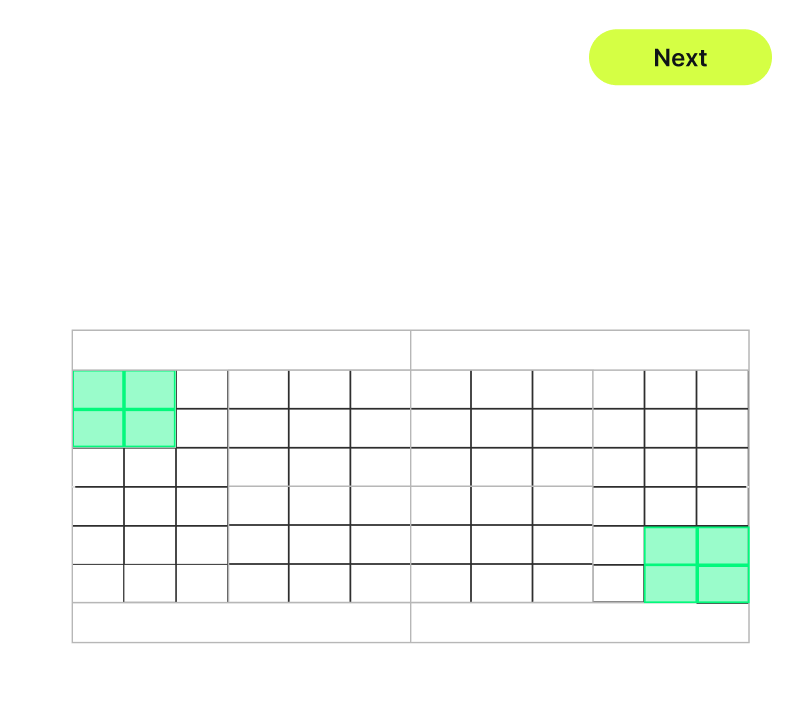
Example of a two-player cross drill
Step 2
Set the duration
By time
Or until reaching a set number of shots inside the target
During the exercise
Live Data
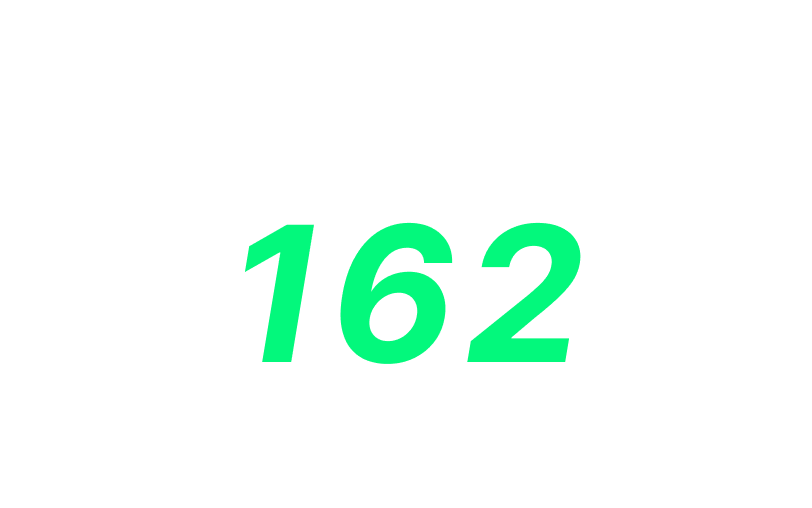
Get instant feedback during your exercise, including metrics like speed, spin, and net clearance. To switch the displayed data, simply swipe!
After the exercise
Post-Exercise Statistics
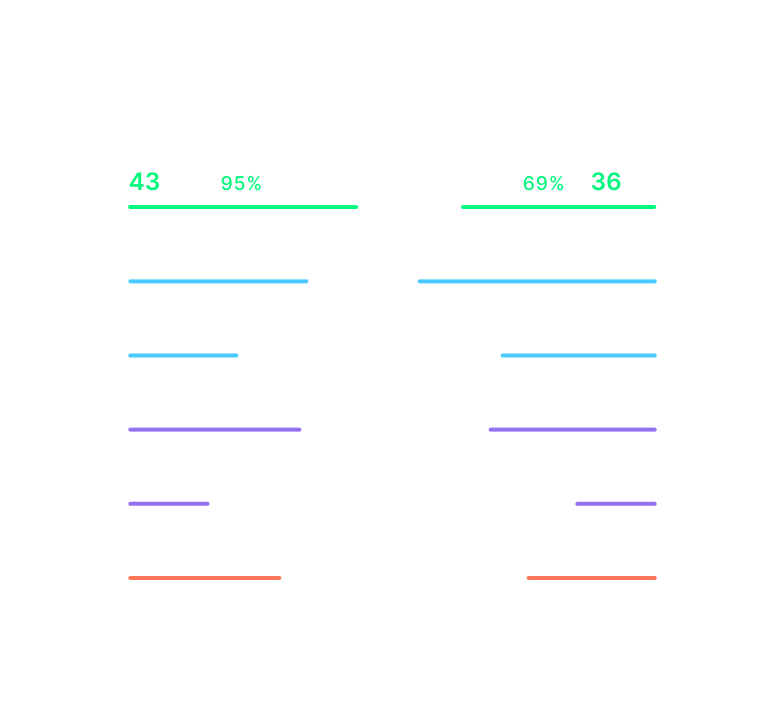
Once the session ends, review key performance statistics to identify strengths and areas for improvement.
Save match statistics
Sync and save your match statistics to your player profile using the PlayReplay mobile app. Download the app to get started!
Step 1
Open the App
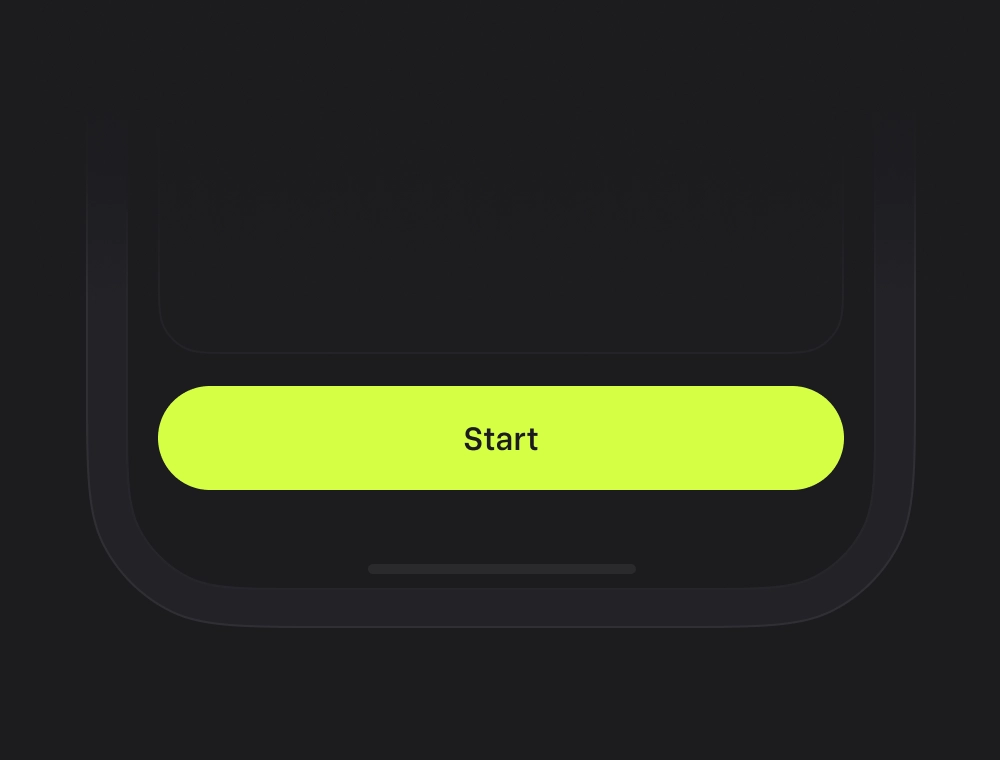
Launch the PlayReplay app on your mobile device and press Start.
Step 2
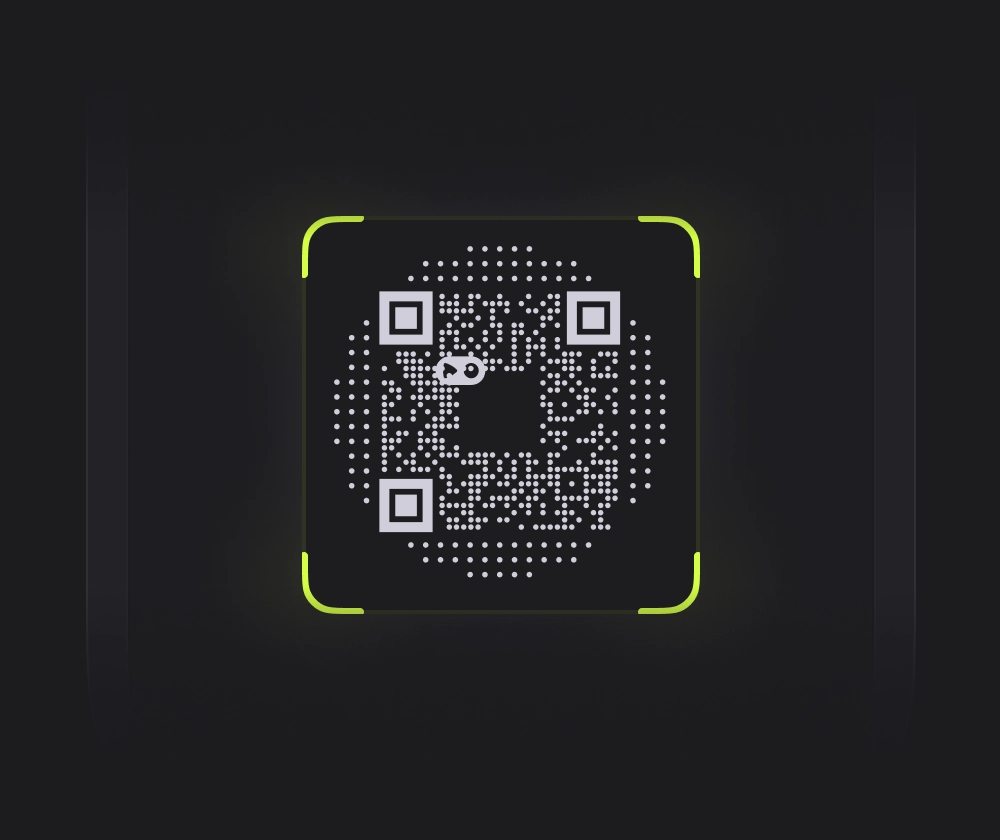
Scan the QR Code
Scan the QR code displayed on the court screen to connect your profile. For multiple players, each player must scan their individual QR code.
Step 3
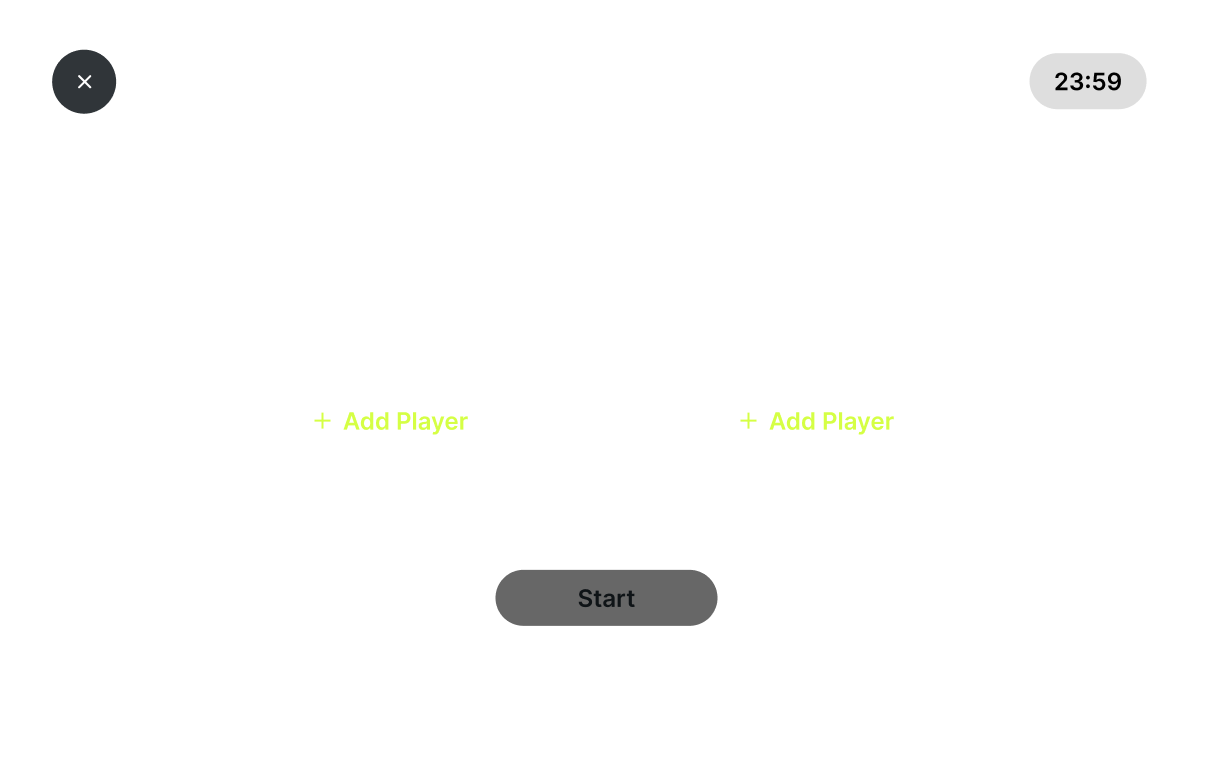
Start Match
Press Start Match after finishing your warmup to begin recording data.
Step 4
Done!
Your statistics are now saved to your profile. Track your progress anytime in the PlayReplay app.